An ERP that fits your business.
If a standard ERP does not fit the way you work, you can have ERP software developed. Appnity from Baar (ZG) develops custom ERP systems for Swiss SMEs: projects, orders, customers, reports and finances in one platform, with roles and permissions for the whole team.
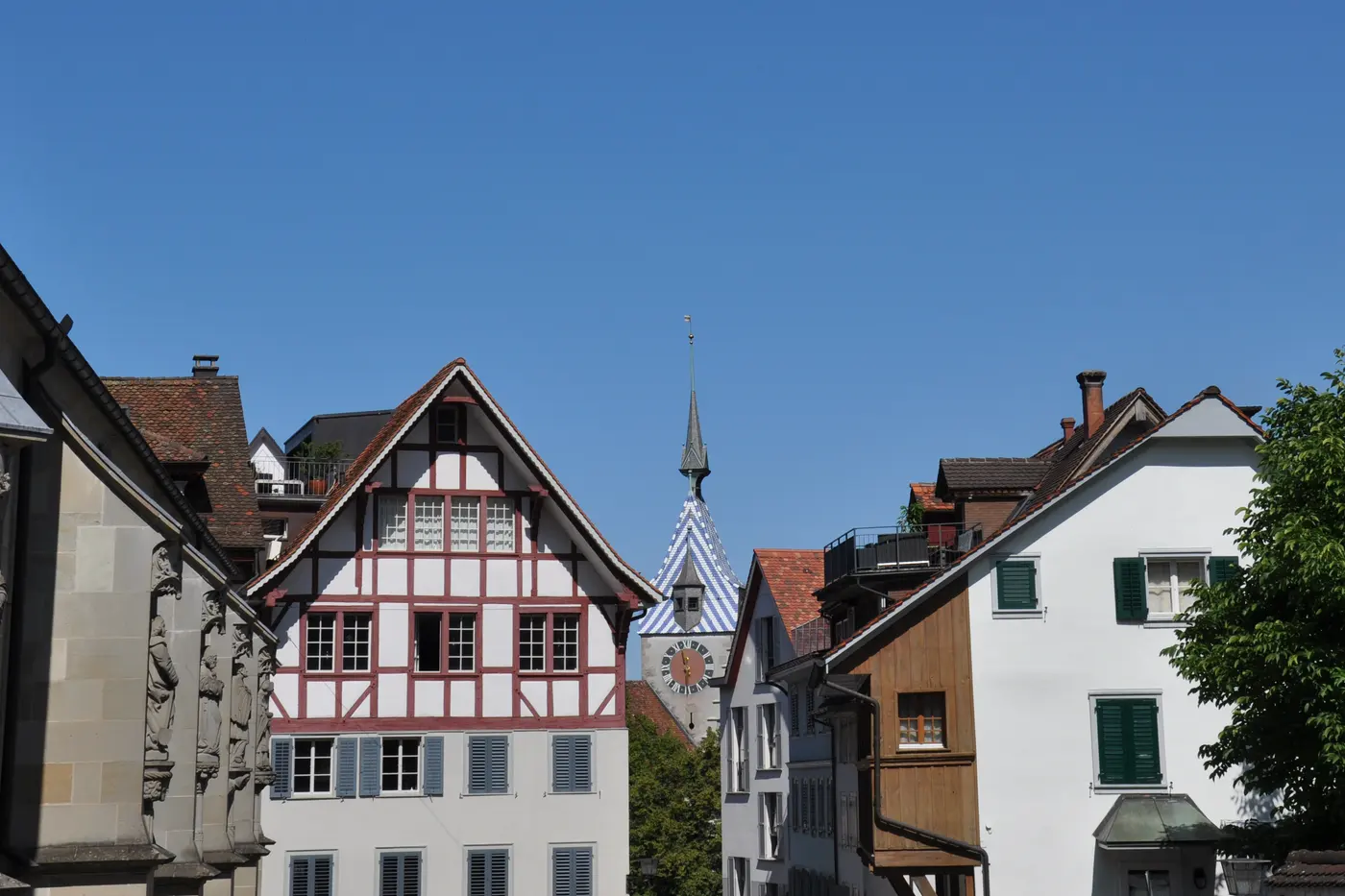
Lake Ägeri, Canton of Zug
Standard ERP or your own ERP?
For many businesses, a standard solution is the right way to go: it is quick to introduce and covers typical processes well. Your own ERP pays off when your most important processes only work in it through workarounds, data is entered more than once, or your team works with several programs and spreadsheets side by side.
That is why we first look at how your business works today: from the incoming order through execution to the invoice. This shows whether an adjustment is enough, an add-on to your existing software makes sense, or your own ERP brings the greatest benefit.
A standard solution fits when
- your processes are typical for your industry
- adjustments are rarely needed
- a quick introduction matters
Your own ERP pays off when
- processes only work through workarounds
- data is entered more than once
- several programs run side by side
Two ERP systems from our work
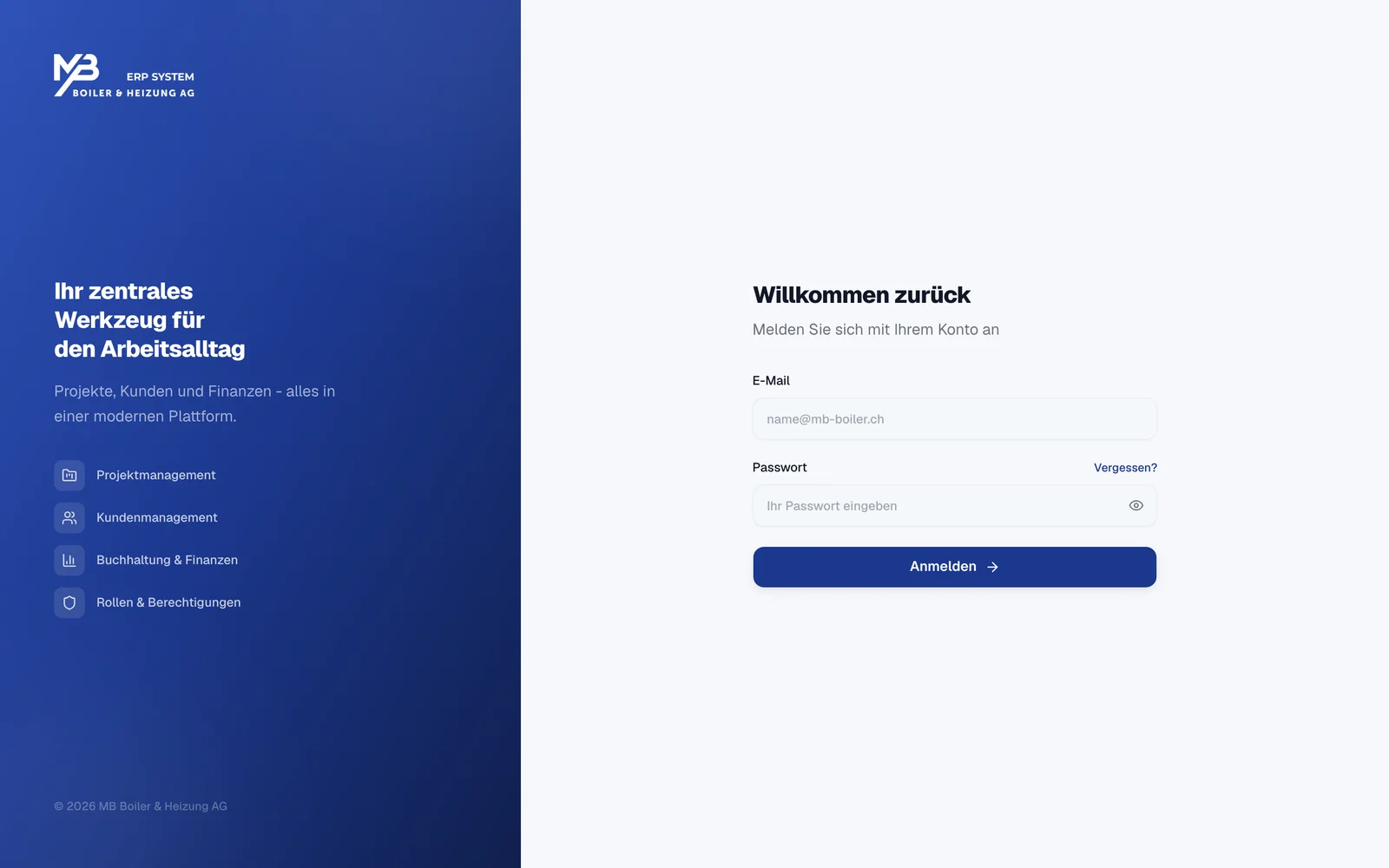
MB Boiler ERP
The internal ERP of MB Boiler & Heizung AG: projects, customers and finances in one platform, with roles and permissions for the whole team.
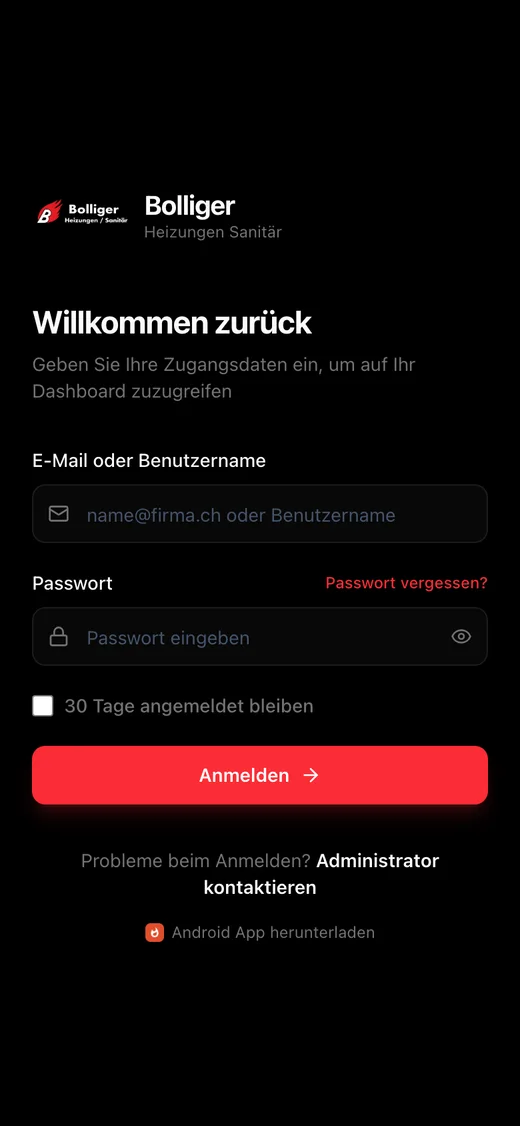
Bolliger operating system
The internal ERP of the heating and plumbing company Bolliger: orders, invoices, technicians and customers in a protected staff portal, with work report entry.
Both systems are tailored to the processes of each business. You can find out more in the current projects on the home page.
What a custom ERP can include
An ERP grows with the business. It often starts with one core area and is extended step by step. Typical building blocks are:
-
Customers and contacts
Customers, contact persons and locations in one place, with the history of their orders.
-
Projects and orders
Project phases, responsibilities and deadlines at a glance, from receipt to completion.
-
Work reports and time
Record labour and material reports directly, even on the go on a smartphone.
-
Quotes and invoices
Quotes, orders and invoices from the same data, without entering anything twice.
-
Roles and permissions
Everyone sees what they need for their work: office, project management, service and installation.
-
Interfaces
Connection to accounting and existing software, depending on the interfaces available.
We decide together which building blocks your business needs and in what order they are built. A first version fully covers the most important process; further areas follow by priority.
Building your ERP
Step by step instead of everything at once: your team works with the system early and gives feedback before the next area follows.
-
Map the processes
We clarify how orders run today, who maintains which data and where time is lost. This results in a prioritised first scope.
-
Core area first
The most important process is built first and reviewed with your team in regular demos.
-
Migrate the data
Existing customer, order and master data is checked and migrated in a controlled way, as far as exports or interfaces allow.
-
Roll out and extend
Training and rollout in the team, then further building blocks, prioritised by their everyday benefit.
Data, operations and ownership clearly settled
Before we start, we agree where your ERP is operated, who takes care of updates and backups, and how support can be reached. Hosting in Switzerland or on your own infrastructure is agreed to suit your requirements.
Rights to the source code, access, documentation and handover are settled in the contract. To learn more about how we integrate existing systems, see Have software developed.
Agreed before the start
- Hosting
- Updates
- Backups
- Support
Settled in the contract
- Rights to the source code
- Access
- Documentation
- Handover
Frequently asked questions about ERP
Is your question missing? Write to usWhat does a custom ERP cost?
That depends mainly on the scope: number of areas, roles, interfaces and data migration. A first version with a clearly limited scope costs less than a platform for all departments. After the analysis you receive a transparent estimate with services and assumptions; we do not quote flat prices without that basis.
Can we start with one area?
Yes. An area such as order processing or work report entry can be built and used first. Shared data and later extensions are taken into account from the start.
Can existing data be migrated?
We check available exports, interfaces and data quality. Based on that, we plan the migration, including tests and a coordinated switchover.
Can the ERP be connected to our accounting?
That depends on the interfaces of your accounting software. We check which data can be transferred automatically and which system is the reliable source for which information.
Does the ERP also work on the go?
A web-based ERP runs in the browser on computer, tablet and smartphone. For tasks such as work reports on the go, an app can also make sense; we decide that based on your processes.
Which processes should your ERP cover?
Describe how orders run in your business today. In a free initial meeting we clarify which first step makes sense.